# Prebuilt file upload UI
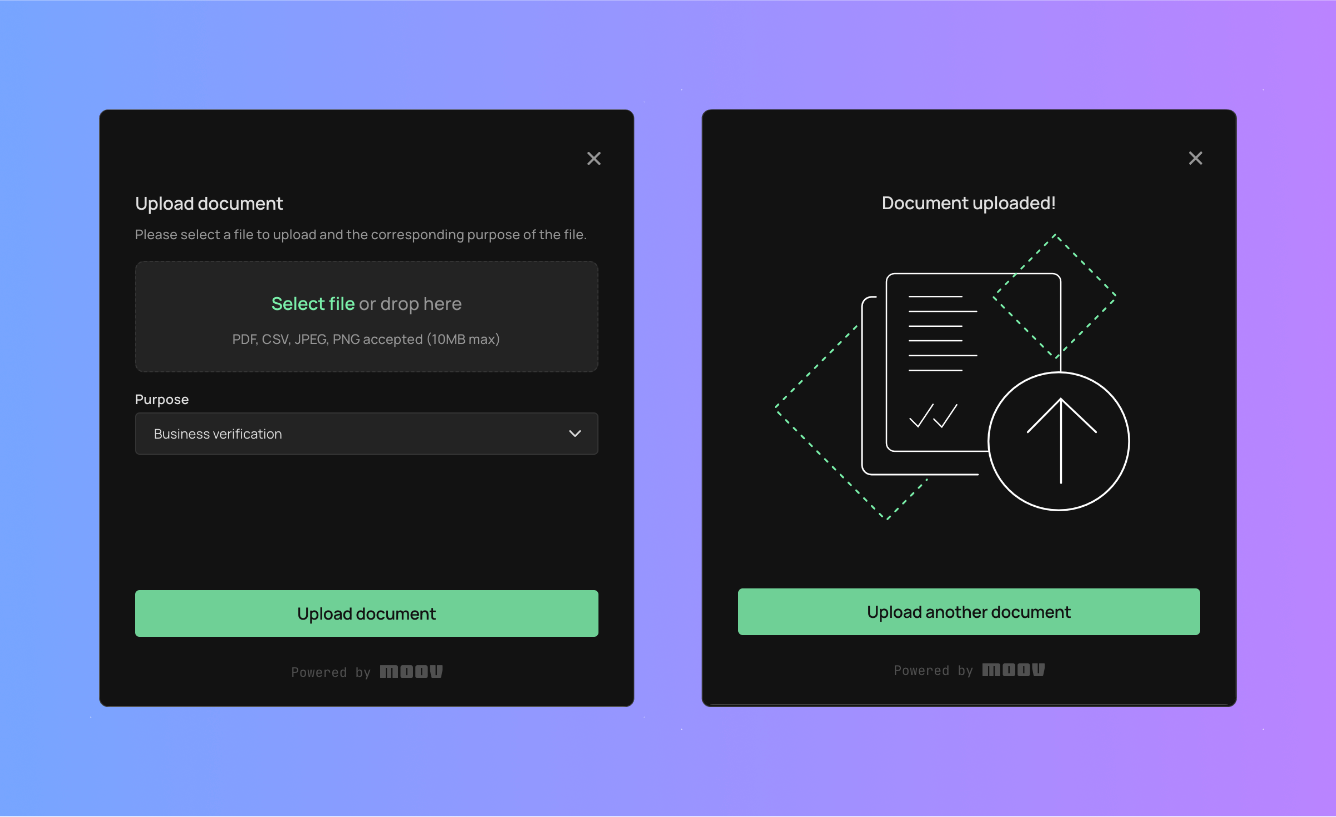
Allow users to easily upload documents to their Moov account.
With the `moov-file-upload` drop, you can easily allow end users to upload important documents to their existing Moov account. The file upload Drop interacts directly with the upload file `POST` [endpoint](/api/moov-accounts/files/post/) using JWTs to securely send data between your end user's browser and Moov.
```
1
```
```html
```
Visit our [Drops 101](/moovjs/drops/drops-101/) guide to learn the basics of properties, attributes, and initializing Drops.
Moov Drops require a secure HTTPS connection. If you don't have a test environment with HTTPS enabled, we suggest setting up a hosting environment with ngrok, Netlify, or Vercel.
## [Properties](#properties)
Properties can be accessed through JavaScript using a reference to the `moov-file-upload` element.
| Property | Type | Description |
|-------------|----------|-----------------------------------------------------------------------------------------------------------------------------------------------------------------------------------------------------------------------|
| `token` | String | Auth token used for hitting the API. See the [scopes](/moovjs/drops/file-upload/#scopes) section for more detail. |
| `accountID` | String | The ID of the Moov user account to which the file will be uploaded. |
| `open` | Boolean | Whether or not the dialog is currently displayed to the user. |
| `onError` | Function | Callback fired when the dialog encounters an error. |
| `onCancel` | Function | Callback fired when the user attempts to close the dialog. |
| `onSuccess` | Function | Callback fired when the user uploads a file. Passes a Moov file object as a parameter. See the upload a file `POST` [endpoint](/api/moov-accounts/files/post/#response) response for details on the Moov file object. |
### [How to set a property](#how-to-set-a-property)
[token](#tab-295678314-3-0) [onError](#tab-295678314-3-1)
```
1
2
```
```js
const fileUpload = document.querySelector('moov-file-upload');
fileUpload.token = 'eyjh...';
```
```
1
2
3
4
5
```
```js
const fileUpload = file.querySelector('moov-file-upload');
fileUpload.onError = ({ errorType, error }) => {
console.log(errorType); // "token", "document", etc
console.error(error); // Error message
};
```
## [Attributes](#attributes)
String-type properties can be set via attributes on the HTML `` element.
| Attribute | Description |
|--------------|-------------------------------------------------------------------------------------------------------------------|
| `token` | Auth token used for hitting the API. See the [scopes](/moovjs/drops/file-upload/#scopes) section for more detail. |
| `account-id` | ID of the Moov account to which the payment method will be added. |
## [Scopes](#scopes)
To upload a document, your Moov API token must include the following scopes.
- `/files.write`
Read our [scopes](/api/authentication/scopes/) guide for more information on Moov's authentication protocol.
## [Theming](#theming)
Read our [themes](/moovjs/drops/theming/) guide to learn how to re-style Moov Drops.