Fundraising platforms
This guide focuses on the quickest and easiest way to get started with the features of Moov we think you'll find most useful for the fundraising industry. Create a platform with:
- Suggested donation amounts
- Custom donations defined by the payee
- Recurring donations
- Surcharge fees to cover credit card processing costs
- Flexible payment options like payment links and QR codes
Moov offers a variety of integration options to get started. Use Drops or the Dashboard UIs for a low to no-code solution, or choose the API or one of many SDKs for more complex integrations.
For the purposes of this guide, we'll provide Dashboard and API examples.
Save a card on file
When you link a card to your platform, you can choose to save it as a card on file for future use. This makes future donations easier, and also gives you access to Moov's card account updater service (CAU).
CAU automatically updates payment information when a card has expired or been replaced, eliminating the need to contact donors to obtain new information.
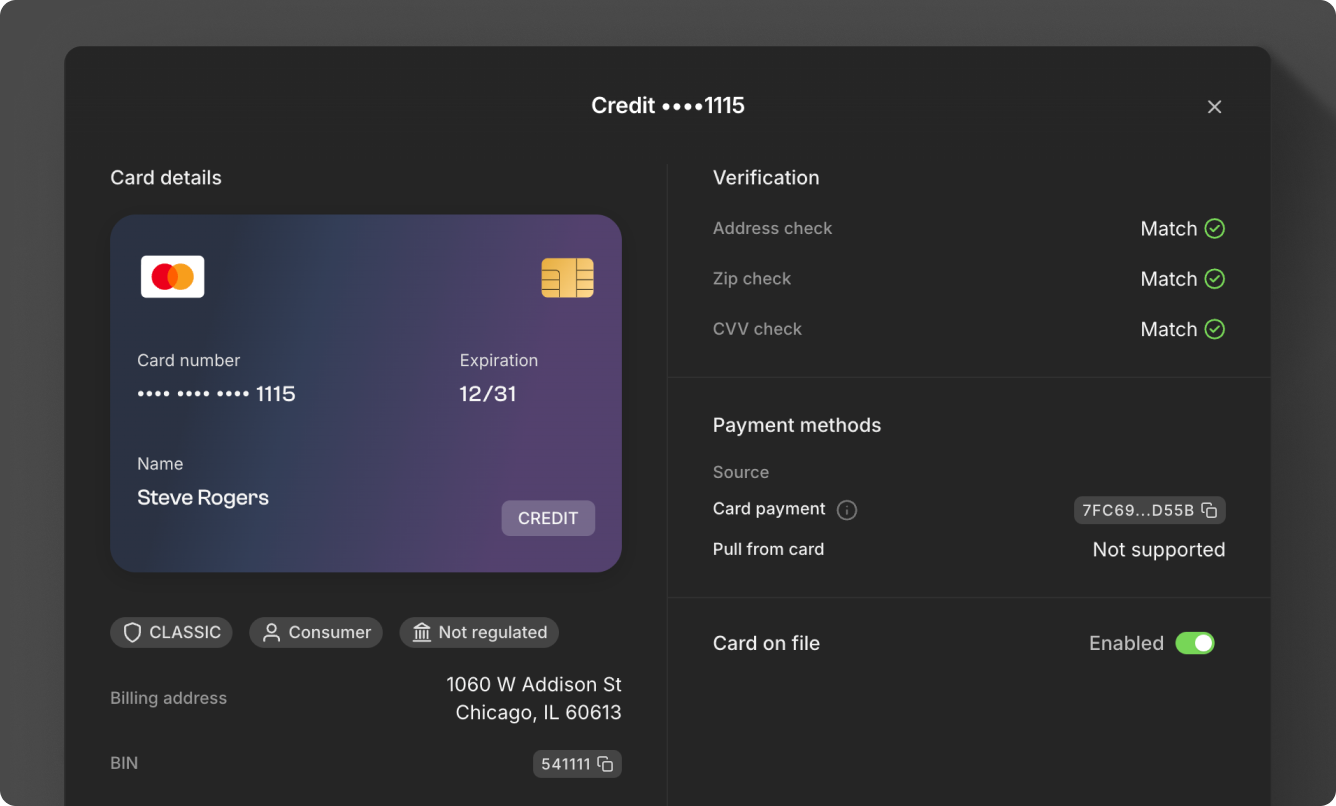
Read more about card payments in our documentation:
Create payment links
While Moov offers a variety of payment options, payment links are the fastest way to engage donors. Send a URL or have donors scan a QR code for quick payment.
Make donations simple by creating payment links for donors. You have the option of providing the donor with suggested amounts, setting minimum and maximum amounts, and leaving it open for the donor to choose how much they'd like to give.
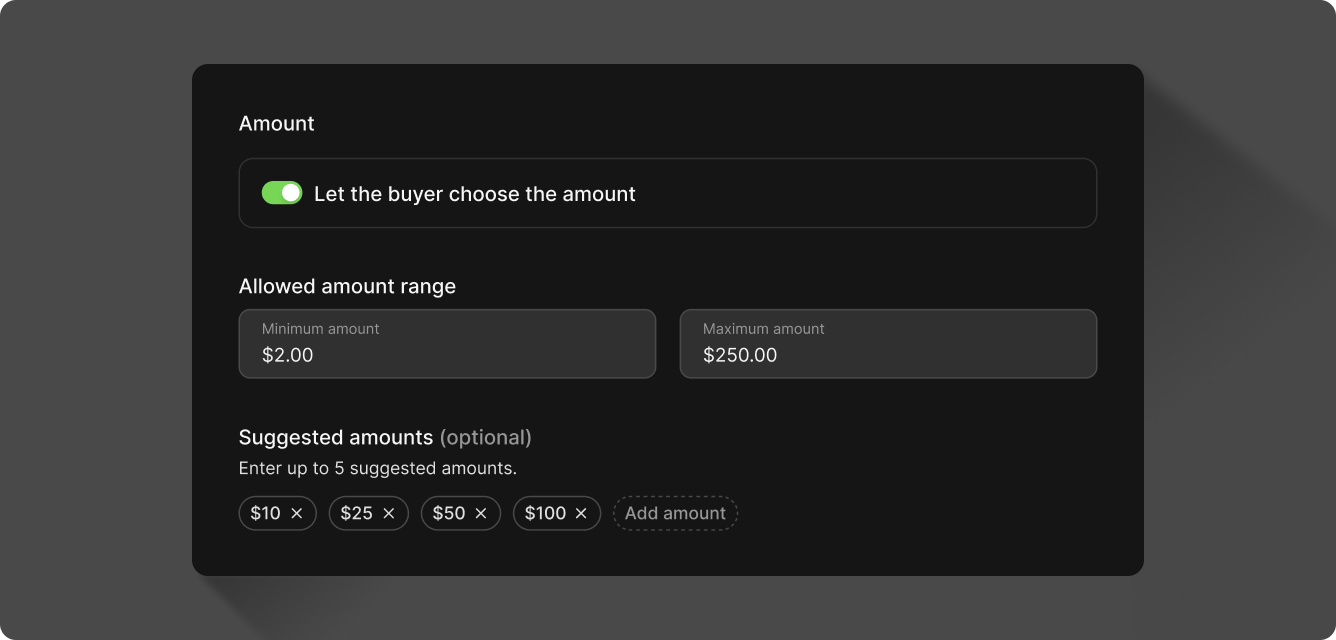
A payment link can be sent as a URL or QR code via email, SMS, or social media. When donors click on a link, they can pay using a credit card, debit card, or bank account.
The clip below shows how to create a payment link in the Dashboard. You can also create payment links with the API.
The donor will be presented with the options you've chosen for the payment link.
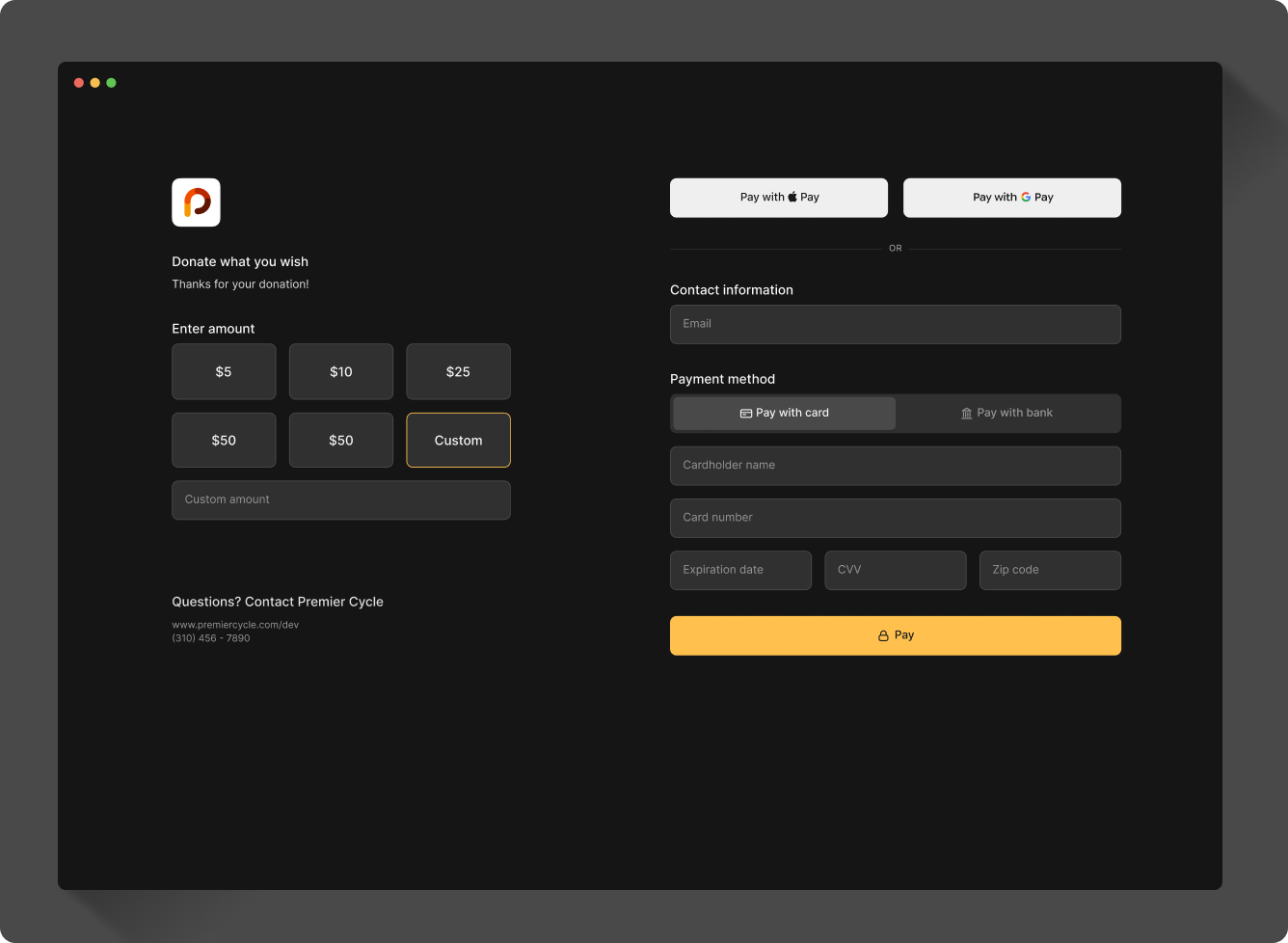
Read more about payment options in our documentation:
Set up recurring donations
Recurring donations collect from donors on a regular basis, without the need for a donor to initiate a new payment each time.
Select a date in the future to send a single transfer. Under Schedule transfer use the selector to pick a future date on the calendar.
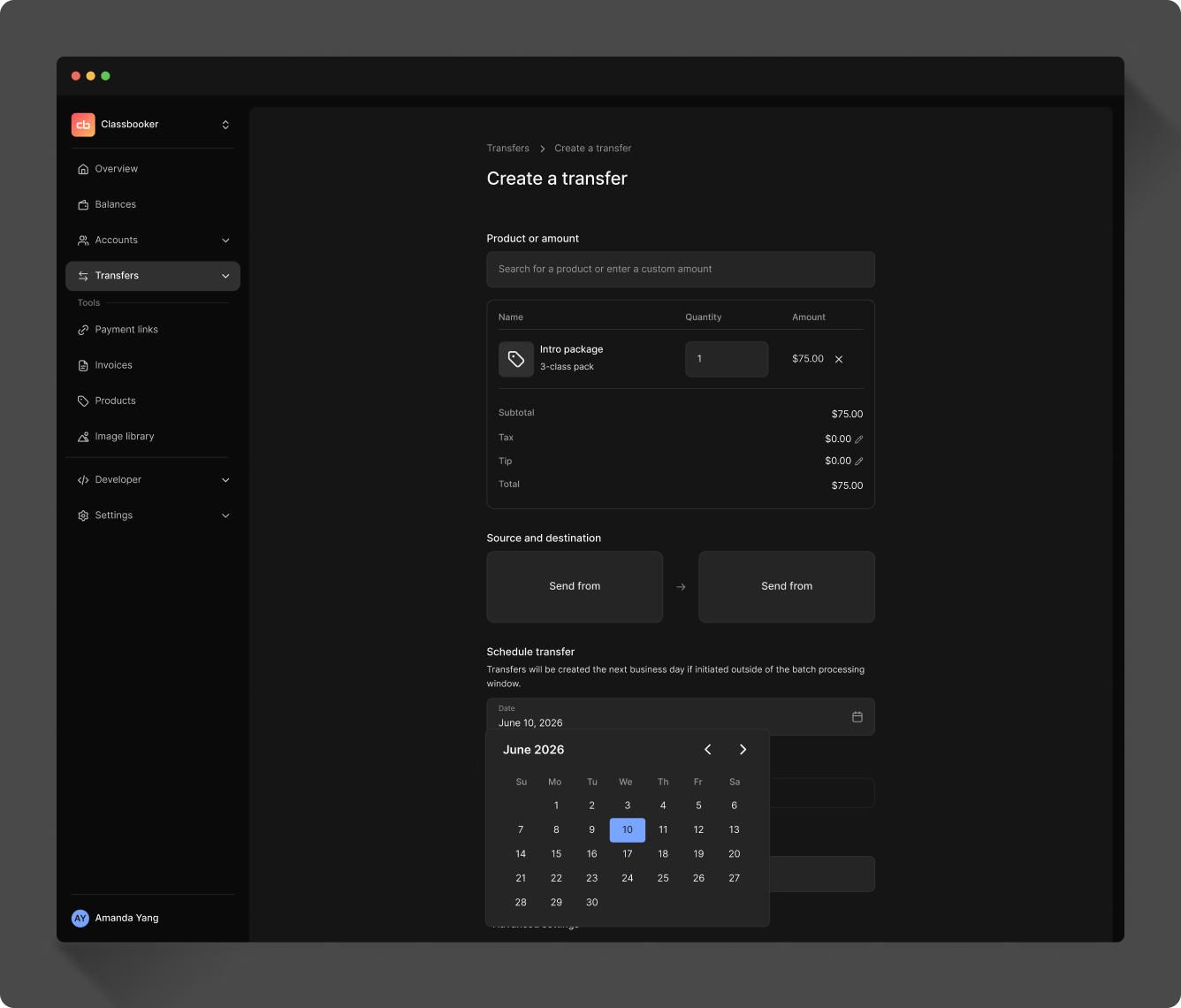
Set up recurring transfers on a daily, weekly, monthly, or yearly schedule. Under Recurring payments select the recurrence cadence and choose when you want the recurring payments to end, or select Never to keep the payments recurring indefinitely.
Read more about recurring payments in our documentation:
Set up automated payouts
Your Moov wallet gives you access to automatic payouts through sweeps. A sweep automatically initiates daily transfers to external bank accounts on a set schedule. You can choose to maintain a specific balance in your wallet to cover day-to-day operations, or to prevent a negative balance from refunds, disputes, and fees.
Navigate to Settings in the Dashboard to configure sweeps and set a minimum balance.
Read more about sweeps in our documentation:
Access your data reports
Data sync is a no-code feature that sends your Moov account data to Google BigQuery, allowing you to access your payment data in your own data warehouse.
Features of data sync include:
- Access to near-real-time payments data in your data warehouse
- No ETL required
- Access and analyze data in BI tools connected to BigQuery, like Looker & Tableau
- Granular control over access
You'll need to contact Moov to set up a private data exchange with Google Analytics Hub.