Developers
Use the Developers section of the Dashboard to create and manage API keys and webhooks.
Only users with the developer or admin role can view and update API keys and webhooks. Test mode and production mode have separate keys and webhooks.
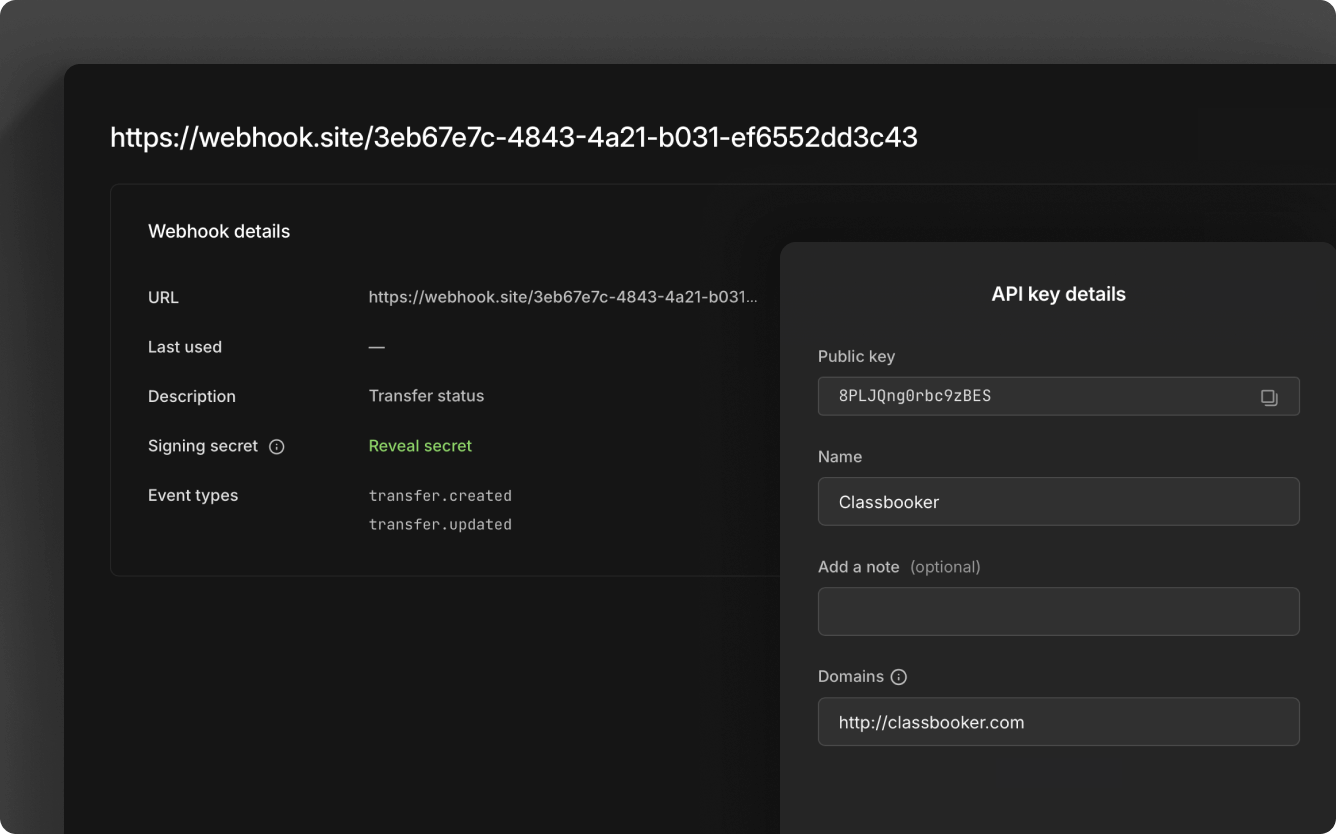
API keys
The API Keys page lists your API keys. Select New API key to create one, or select a key to:
- Edit the name
- Add a note
- Add or remove domains
- Delete the key
For step-by-step instructions, see create a new API key.
Webhooks
The Webhooks page lists your webhooks. Select New webhook to create one, or select a webhook or its Action button to:
- Add a description
- Reveal the secret
- Disable or enable
- Update the endpoint URL
- Update events
For the events you can subscribe to, see webhook events. For setup steps, see set up webhooks.