Test mode in the Dashboard
This guide assumes you have already created an account with test mode API keys.
While test mode is optional, we strongly suggest you try it out. When you sign up for Moov, you'll receive access to a test account. To save you time, your test account is pre-populated with sample business details and accounts, and all capabilities have been automatically enabled for you to test:
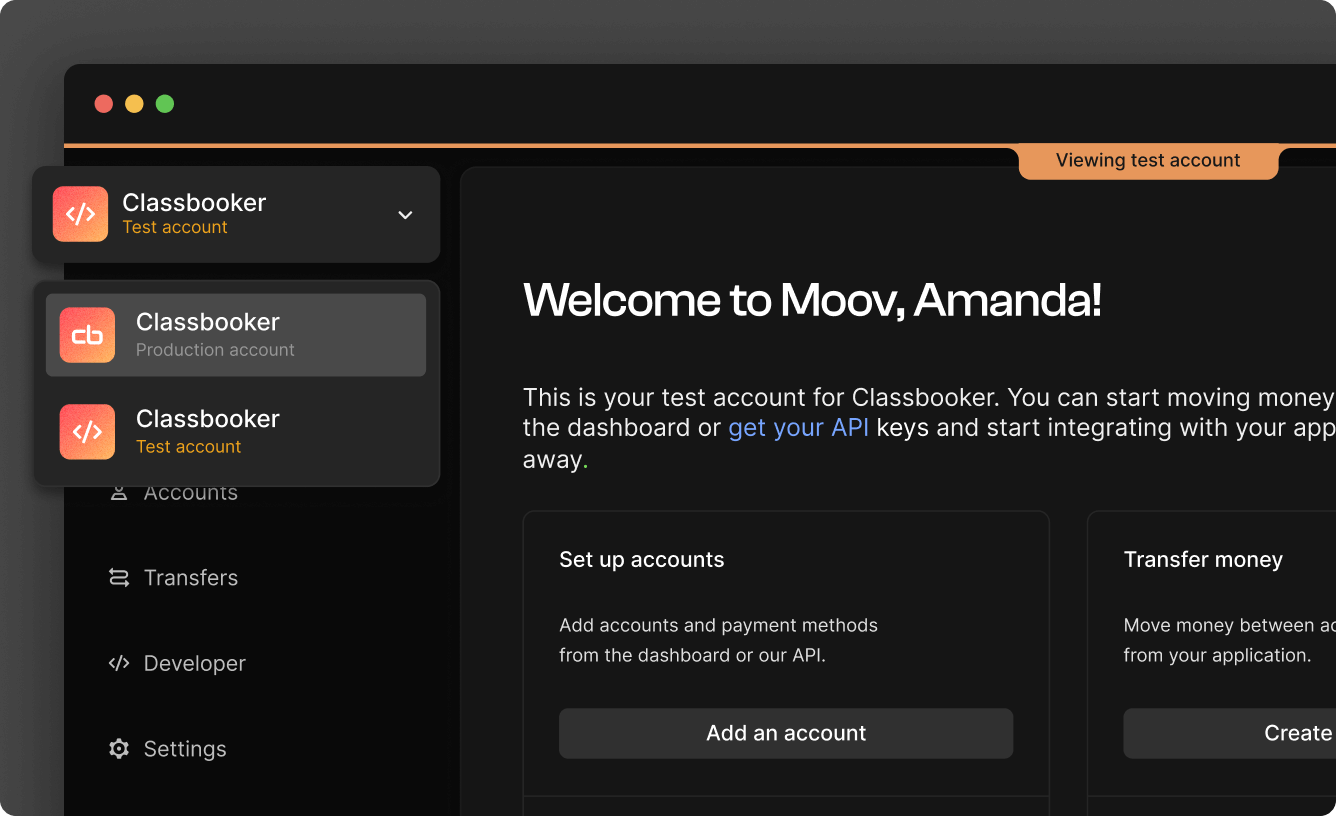
Use the sample data to simulate the flows you'll use once you switch over to production mode. Make sure you're in test mode by using the account switcher on the top left.
Invite team members
While in test mode, you can invite team members to your test account. Inviting team members to your test account does not enable them to use your production account. If you'd also like to invite team members to your production account, you will need to do that separately in production mode.
Transfers
Transfers in test mode won't move any real money. For the timing of transfers in test mode, note that:
- Wallet to wallet transfers complete almost instantly.
- ACH transfers in test mode will complete in about an hour (see the processing speed guide for production mode).
Test cards must be added through the API or Moov Drops — they can't be linked from the Dashboard. Once linked, you can use the Dashboard to create test transfers, simulate disputes, ACH returns, RTP failures, and more.
Test mode data
To simulate card transfers, disputes, ACH returns, RTP failures, bank account verification, and other transfer scenarios, use the test cards, amounts, and routing numbers in the test mode data reference.